Toogle Side Menu
This tool allows you to take toggle the side menu ON or OFF for ease of use and for a larger view of the map.
To use this tool:
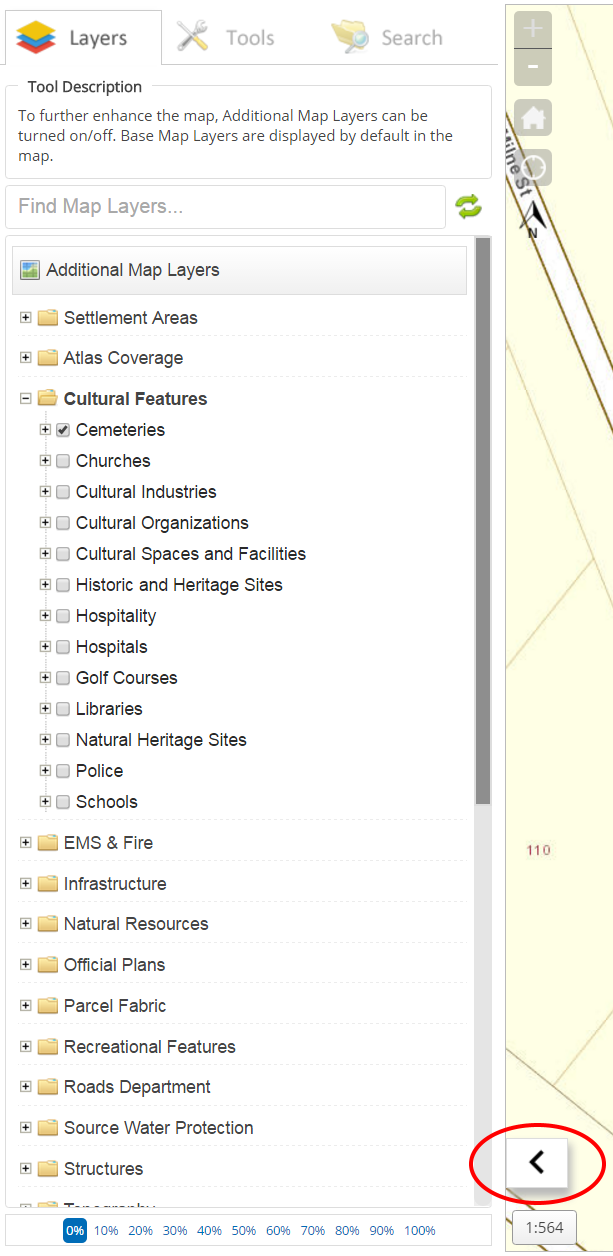
- Select the arrow at the bottom right hand side of the menu as shown highlighted red in the image below. This is used to quickly toggle the menu ON or OFF.
Optional Action:
- Toggle Side Menu ON or OFF
- Select the "Menu" button located at the top right hand corner of the application. A drop down menu will appear
- Select the "Toggle Side Menu" option to collapse or expand the menu for ease of map navigation.