Generate Link for Sharing
This tool allows you to generate a URL address of the current map extent for viewing in a web browser. The URL can be coped into various applications such as email, office documents or social media for sharing.
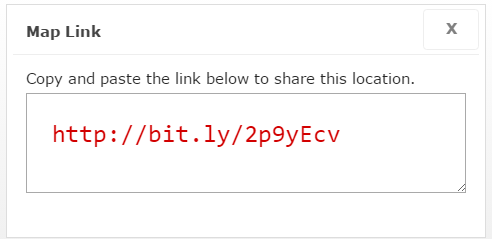
To use this tool:
- Zoom into the location of interest on the map.
- Select the "Menu" button located at the top right hand corner of the application. A drop down menu will appear
- Select the "Generate Link" option.
- Copy (Ctrl + C) and Paste (Ctrl + V) the URL in the "Map Link" window.
- Paste into other documents, browsers or emails for other users to view.